Hello dear community,
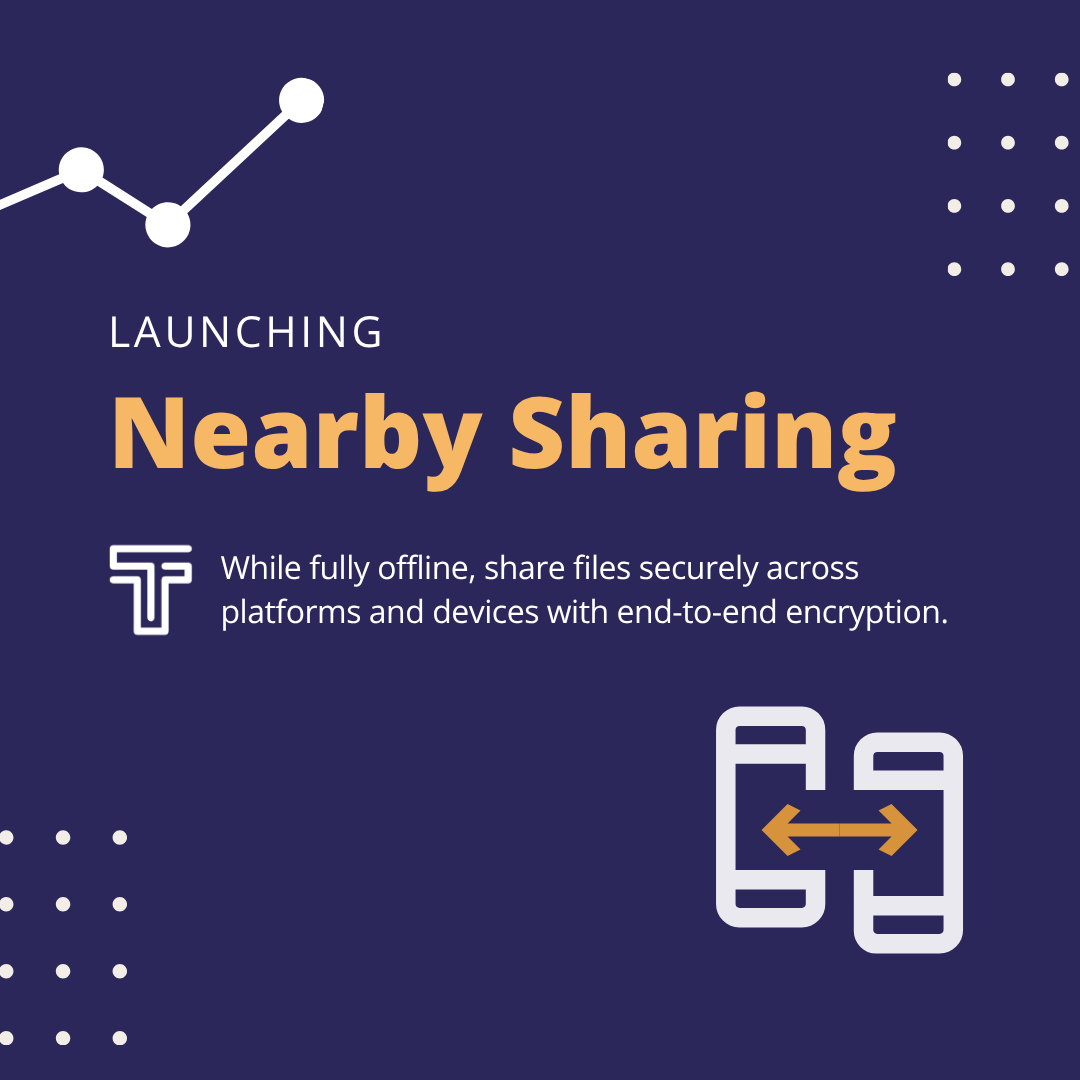
Hope you're all doing well. I have very good news to share: Nearby Sharing in Tella is now live, audited and ready for you all.
What Nearby Sharing does
Tella is an app that protects and hides sensitive data. It's used for people to stay safe in the face of device searches, particularly in places where their identity, beliefs, or work are criminalized. Tella is also used to document human rights violations, corruption, violence or electoral fraud. All the information you import or capture to Tella – photos, videos, audio, documents – stays inside an encrypted vault on your device, invisible to your phone's gallery and unreadable to anyone who seizes your phone.
One question we kept hearing was how to get that material out of the Tella vault and into someone else's hands safely. Over the years we implemented several ways to do that, but we were missing one case: when internet is slow, blocked, shut down, or watched. Nearby Sharing is our answer to transfer files directly between two devices that are physically near each other:
- Independent of the internet. The two devices establish a direct connection instead of routing through the internet. A local Wi-Fi network works, and so does a hotspot created by one of the phones, whether or not it is connected to the internet.
- Encrypted. Files are encrypted as they travel from one Tella vault to the other, so they stay protected even on a monitored or insecure network.
- Private. Tella doesn't need any kind of user registration and keeps no record of which devices you connect to or when.
- Cross-platform. Any device that runs Tella, mobile or desktop, can use Nearby Sharing.
When you'd use it
- During an internet shutdown, when nothing else gets through.
- During a protest, a raid, or any fast-moving situation, to put a copy of your footage on a colleague's phone in seconds, before anything happens to yours.
- When the network can't be trusted because it's heavily monitored or censored, and sending anything through it would expose you or your files.
- For redundancy, backing up a vault to a laptop so your files don't live in just one place.
- When you change phones, moving everything across devices without the files ever leaving their encrypted vaults.
If you're unsure whether it fits your situation, write to us — we're happy to think it through with you.
Available cross platform
Nearby Sharing works on Tella Android, Tella iOS, Tella FOSS (our fully open-source build on F-Droid), and Tella Desktop on Windows, macOS and Linux. All of them talk to each other.
I want to be clear about what that meant: this is one secure transfer protocol implemented four times over, on four platforms with very different constraints, and then tested in every possible combination. It took us a lot of work and we are proud of the results 🧡.
Meet Tella Desktop
Tella Desktop is a companion app with its own lock that receives files from Tella on your phone and stores them encrypted on your computer. It answers a need many of you described: getting material off a phone that could be confiscated or searched, and onto a machine where you can work with it, with no cable and no internet. You can find instructions to get started on Tella Desktop here.
About the security
Convocation Research + Design audited Nearby Sharing, and we implemented their recommendation before calling it done. Each connection uses mutual TLS with a certificate generated fresh for each device and each session, discarded when the transfer ends. Both devices verify each other before a single file moves, which is what protects you against interception on a hostile network.
The full audit is on our security and privacy page, and the protocol specification is in the Tella-P2P-Protocol repository. We – nerds 🤓– are always happy to hear your technical questions and exploring integrating and collaborating!
What's next
We recently secured funding to keep pushing on shutdown resilience, security and improving Tella. Coming up in the next 18 months:
- A full encrypted vault in Tella Desktop. Create folders, and preview, rename, move, and delete files inside the encrypted environment, so nothing has to sit in your computer's regular storage. Plus, sending files directly from Tella Desktop!
- Bulk imports, Secure Notes, Recovery Keys, and Self-Destruct codes, along with the option to save Verification Mode metadata in the vault as a CSV file so it can be shared through any of your connections in Tella.
- Improvements to the Tella camera and a revamped, more modern, and more accessible UI.
I'll write again soon with more exciting news, but this is all for now.
Stay safe,
Caro from the Tella team